
Writing content without checking the word count is like driving without a speedometer. Whether you are a blogger, student, SEO expert, freelancer, or social media creator, knowing the exact word count, character count, and sentence length is extremely important.
That’s where word counter tools come in.
In this blog, we’ll explore the 8 best free word counter tools online that help you count words, characters, sentences, and more — accurately and instantly.
Why Do You Need a Word Counter Tool?
It helps you meet length requirements, optimize meta descriptions and headlines, check reading time, and measure keyword density for SEO.
Key Benefits of Word Counter Tools
- Helps meet SEO content length requirements
- Useful for assignments and academic writing
- Essential for meta titles & descriptions
- Required for freelance writing projects
- Saves time with instant results
Most modern tools also provide:
- Character count (with & without spaces)
- Sentence count
- Paragraph count
- Reading time
- Keyword density
8 Best Free Word Counter Tools Online
Here are the 8 Best Free Word Counter Tools Online;
- Best for writers who need an all-in-one editor: ILoveWords.io.
- Best simple, reliable counter: WordCounter.net.
- Great for rewriting + counting: QuillBot’s word counter.
- Best free toolkit with extra SEO features: SmallSEOTools.
- Lightweight, no-frills counter: CountWordsFree.com.
- Extra features (AI checks + counters): ZeroGPT’s counting tools.
- SEO-focused batch tools: PrePostSEO (see note below). (PrePostSEO pages are commonly available; use their Word Count tool.)
- Text editor + counter: Editpad.org.
1. ILoveWords.io (Best Overall Free Tool)
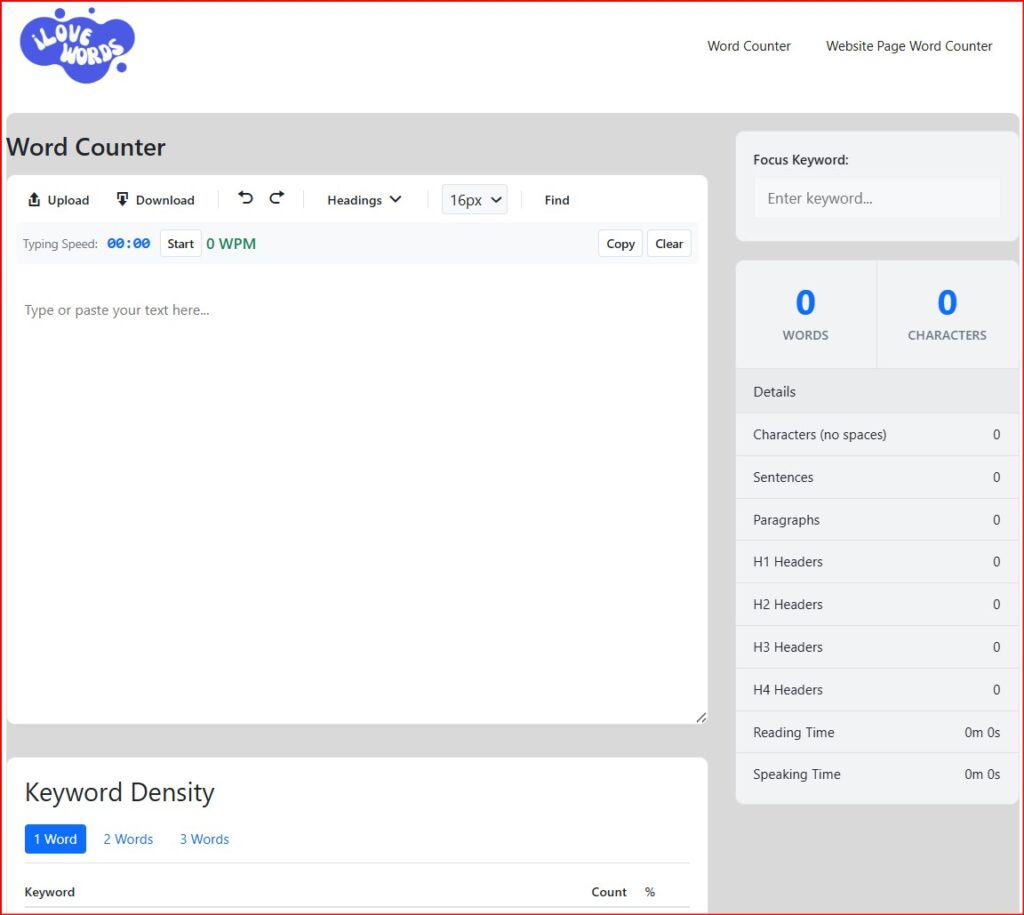
ILoveWords.io is one of the best and fastest free word counter tools online. It is clean, simple, and built for writers, bloggers, and students.
It gives a real-time word and character count while also offering focused features such as counting headings, focus-keyword density, find & replace, uploads/downloads, and a web page analyzer for SEO structure.
It’s ideal if you want a word counter that feels like a mini editor with SEO-aware features.
Key Features
- Instant word count
- Character count (with & without spaces)
- Sentence & paragraph count
- Focus Keyword & Keyword Density Count
- Reading & Speaking Time Count
- Find & Replace Word
- Typing Speed Test
- Upload .doc/.txt and Download options.
- Website page analyzer (counts words on a URL, inspects headings, words, keywords, etc).
- Clean and distraction-free UI
- 100% free (no signup required)
- Works perfectly on mobile & desktop
Best for: Bloggers, SEO writers, students
Pricing: Free
2. WordCounter.net
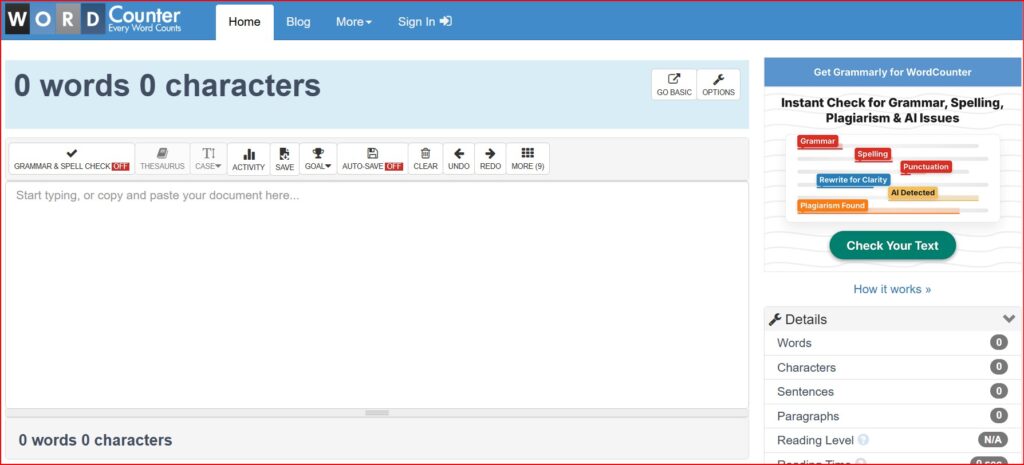
WordCounter.net is one of the most popular and widely used word-counting tools for writers who want a word & character counter with helpful add-ons (keyword density, grammar hints, reading time). The interface is focused on writing and editing with instant metrics.
Key Features
- Word & character counter
- Reading and speaking time
- Keyword density analysis
- Grammar and spelling suggestions
Best for: SEO professionals and long-form writers
Pricing: Free (premium features available)
3. QuillBot
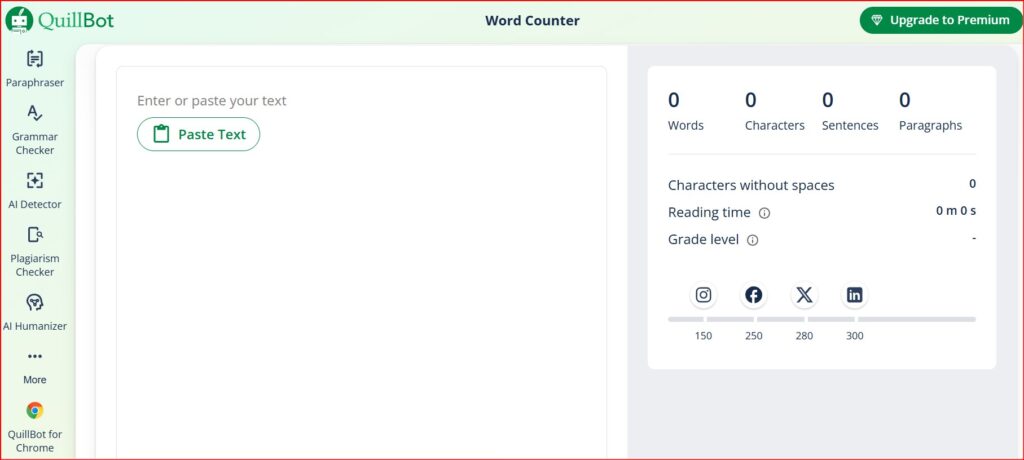
QuillBot is known for its paraphrasing and writing tools, and its word/character counter is fast and clean. If you already use QuillBot’s paraphraser or grammar tools, the counter integrates well into that workflow.
Key Features
- Character & word count with a minimal UI.
- Easy clearing and copy options.
- Integrates with QuillBot’s other writing tools.
Best for: writers who want quick counts inside an AI-powered writing suite.
Pricing: Free (premium features available)
4. SmallSEOTools
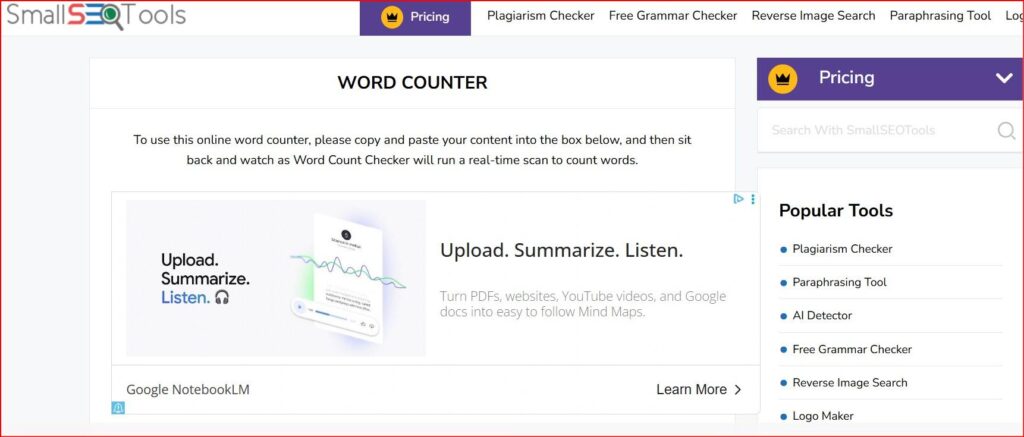
SmallSEOTools offers a broad set of free utilities (plagiarism checker, meta tag helpers, keyword tools) and a competent word counter. It’s handy when you want to run multiple quick SEO checks without leaving one website.
Key features
- Counts words, characters, and lines.
- Upload file support (doc, pdf).
- Quick links to other SEO utilities.
Best for: SEO/content teams who want an all-in-one free toolkit.
Pricing: Free (premium features available)
5. CountWordsFree.com
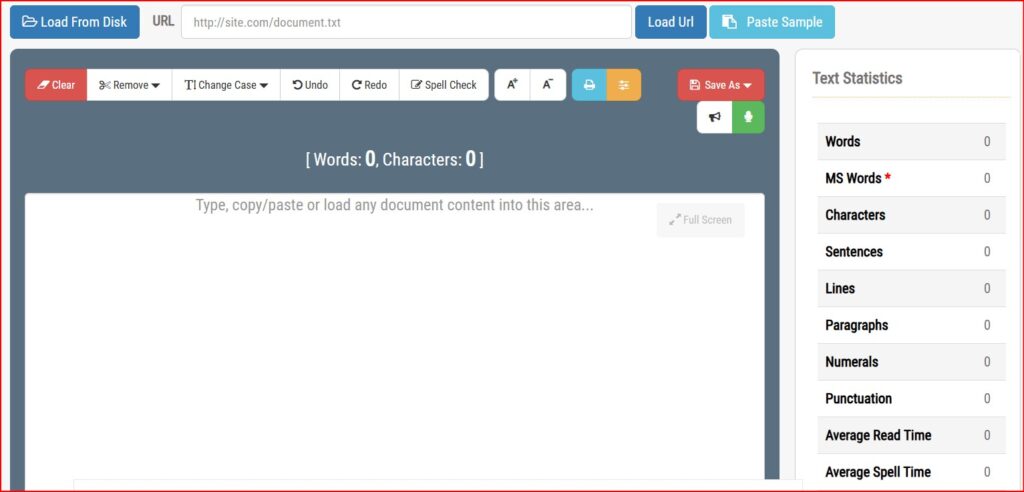
CountWordsFree focuses on doing one thing well: counting words and characters. It’s speedy and supports multiple document formats for uploads. The UI is plain, which makes it fast on low-bandwidth connections.
Key Features
- File upload support (DOC, PDF).
- Quick copy/paste counter with export options.
- Additional small writing utilities on the same site.
Best for: quick, no-friction counts and file-based checks.
Pricing: Free
6. ZeroGPT Word Counter
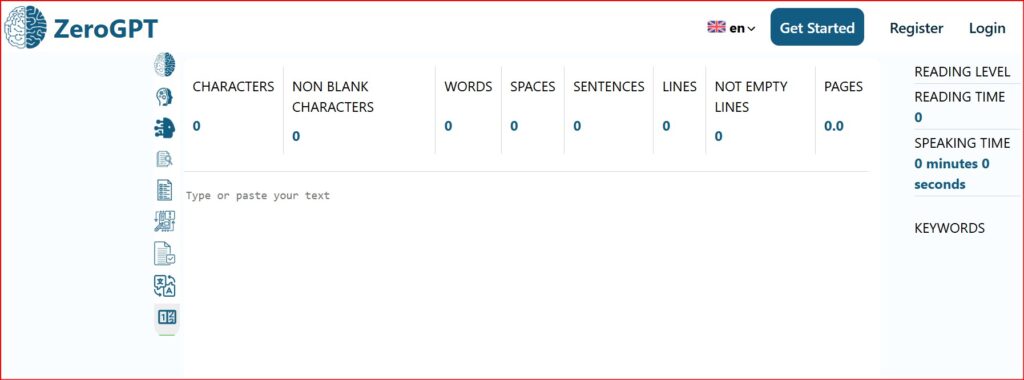
ZeroGPT is primarily known for AI-text detection, but it also offers a word counter that displays characters, reading time, and keyword density. If you’re checking content for both length and originality/AI signals, ZeroGPT’s suite can be useful. (Be mindful that some advanced features may require an account.)
Key Features
- Word & character counts in real time.
- Keyword density and reading/speaking time.
- AI detector and humanizer tools on the same platform.
Best for: creators who also want AI-detection or “humanize” tools.
Pricing: Free (premium features available)
7. PrePostSEO
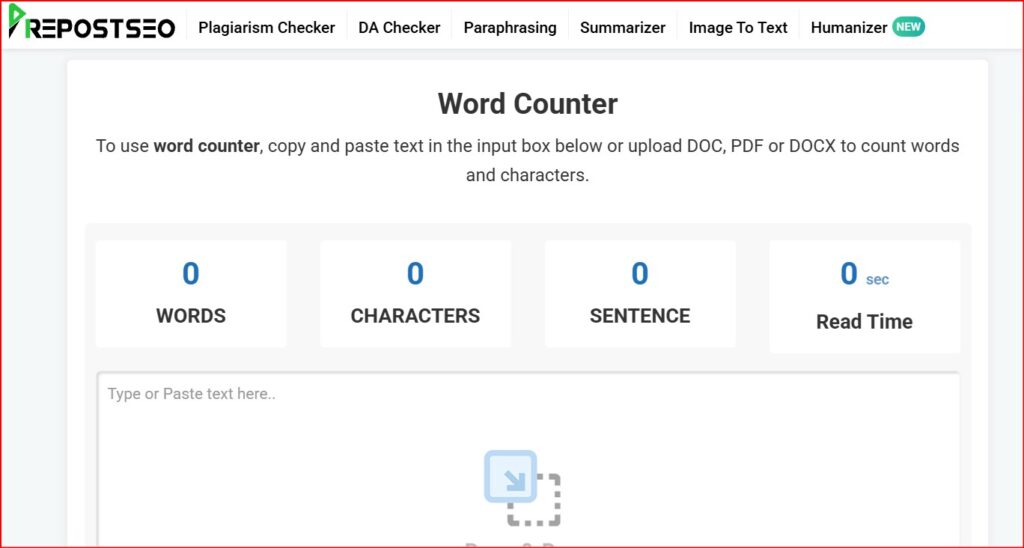
PrePostSEO provides multiple content tools with SEO guidance. Their word counter is practical and integrates with other SEO tasks (meta tags, readability checks). Great when you want quick SEO-focused edits and counts on a single dashboard.
Key Features
- Word, character, and sentence counts.
- Readability scores and SEO tips nearby.
- Batch and file upload options on some tools.
Best for: SEO specialists doing multiple checks on content length and on-page SEO.
Pricing: Free (premium features available)
8. Editpad.org
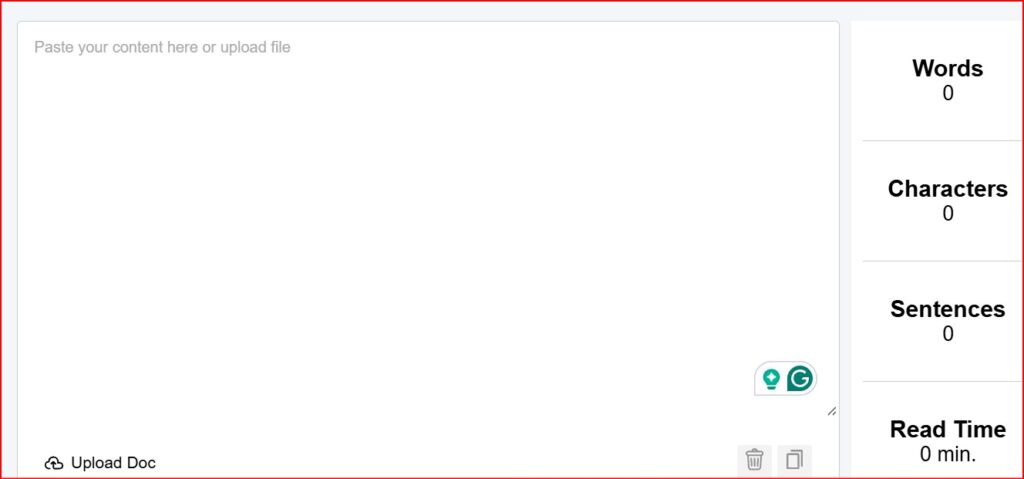
Editpad.org is an online notepad that includes word and character counters plus tools like words-to-pages and reading time. It’s handy when you want a lightweight editor that also counts and converts.
Key Features
- Real-time word/character count.
- Conversion tools (words → pages).
- File upload and export options.
Best for: writers who prefer a basic editor with quick additional calculators.
Pricing: Free (premium features available)
How to Pick the Right Word Counter (Practical Tips)
- If you need SEO signals and on-page analysis: choose ILoveWords.io or SmallSEOTools. They give keyword & structure hints.
- If you want simplicity and speed: use WordCounter.net or CountWordsFree.
- If you work with AI or paraphrasing: QuillBot or ZeroGPT pair counting with rewriting and AI checks.
- If you need a lightweight online notepad: Editpad.org is easy and reliable.
SEO & publishing checklist when using Word Counters
- Meta titles: keep under ~60 characters (use a character counter).
- Meta descriptions: aim for 120–160 characters.
- Intro paragraph: include the primary keyword early (e.g., best free word counter tools online).
- Readability: aim for short sentences and subheadings — many counters show sentence/reading time.
- Social captions: use character counters to fit platform limits.
(Use ILoveWords.io or SmallSEOTools for meta-related character checks.)
Final Thoughts
All eight word counter tools on this list are free and useful depending on your needs. If you want one recommended starting point, ILoveWords.io offers a powerful combo of counter + SEO-aware features and is a great place to begin.
Ta! Da!